Continue the scene without losing your voice.
Select a passage and ask MuseAI to continue, expand, or polish. It works from your surrounding prose — and every line it adds is yours to keep, rework, or cut.
Continue, Expand, and Polish only run on text you select.
Live now: start from a premise and watch MuseAI build the story bible before you write.
Her green eyes caught the lantern light as she turned toward the stair.
eye colour contradicts ch.2 — “pale blue”The corridor narrowed, and she pressed on, breath fogging the cold glass of the lantern
Continue, Expand, and Polish only run on text you select.
Self-published authors earn a median ~$13,500 a year — the ones who finish.
MuseAI takes 0% — export your manuscript and self-publish it yourself.
The ways a long draft falls apart.
The bigger the story grows, the more there is to hold in your head — until something slips, and a reader catches it before you do.
- 01
Stalled mid-scene
- 02
Thin passages that need texture
- 03
AI copy that sounds unlike you
Start with a premise. Leave with a world.
Give MuseAI your idea and watch the story bible take shape step by step: world rules, character cards, plot arcs, and planted hooks. Built in the open — a visible pipeline, not one-click mush — editable when it's done, and included in the free tier.
- Build your world — rules, factions, settings, and genre logic
- Cast your characters — cards with roles, motives, and tensions
- Shape the arcs — book-level movement from premise to payoff
- Plant the hooks — setup threads MuseAI helps you track later
It checks the chapters you paste — and shows exactly what was covered.
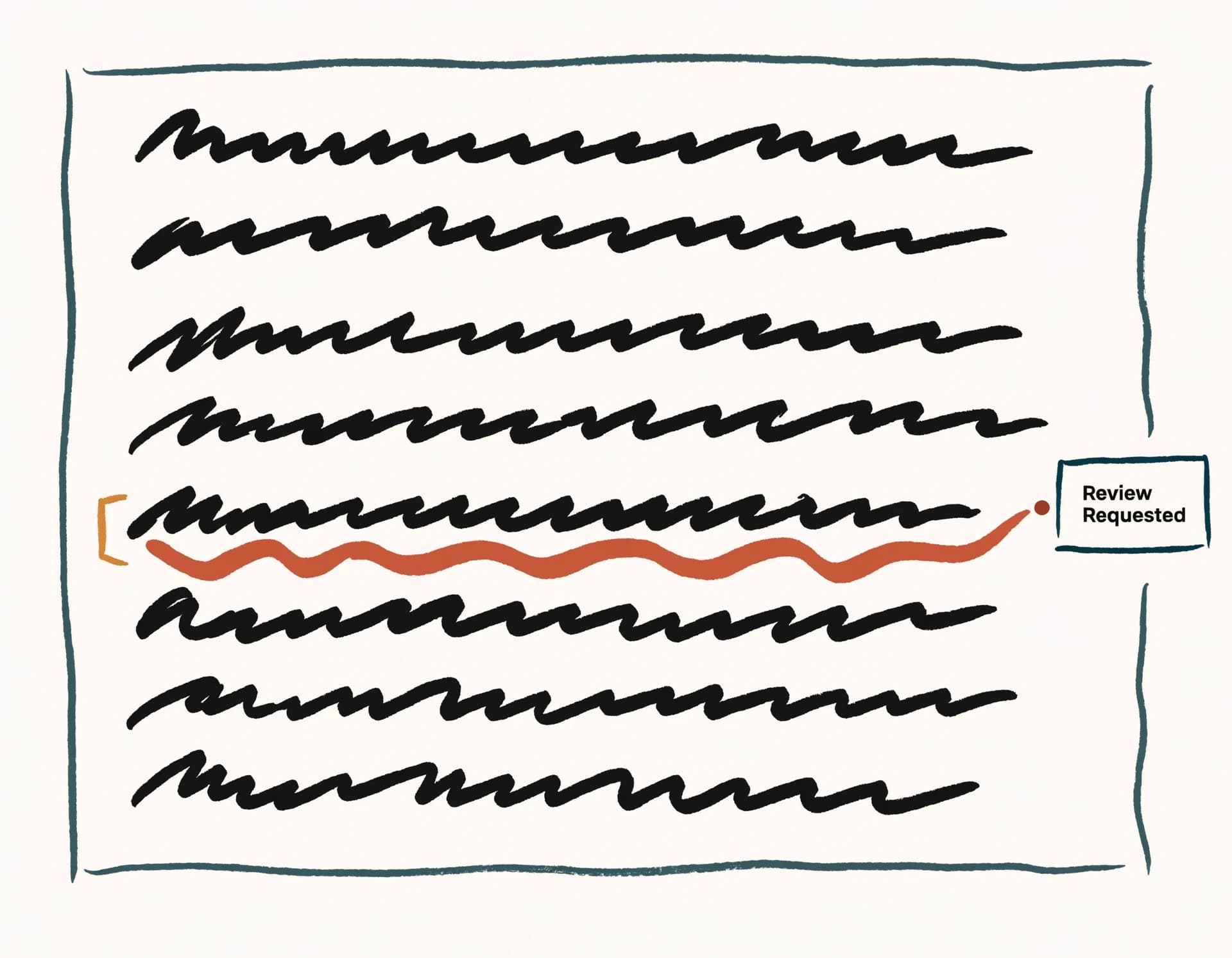
Run a continuity check and MuseAI extracts the facts of your story, then surfaces the contradictions a reader would catch — an eye colour that changed, a timeline that slipped, a name that drifted.
- Cross-chapter contradiction detection — up to 3 chapters / 8,000 words per check
- Honest coverage — it tells you what it checked, and what it didn't
- Calm corrections marked in clay, never an alarm
Use AI on selected text — with your prose as the guide.
Select a line and ask MuseAI to continue, expand, or polish. It writes from your style, not a generic template. You stay the author; it just hands you the next sentence when the cursor won't move.
- Continue, expand, or polish any selection
- It works from your surrounding prose, in your voice
- Everything it adds is plain text in your draft — keep it, rework it, or cut it
Your draft and its findings stay with you.
Your draft, your last continuity report, and your progress are saved the moment you write them — and still here when you come back. Whole-book, always-on story memory is what Pro will add.
Three steps. No story bible to fill in first.
- 01
Paste what you have
MuseAI reads plain text — 'Chapter N' headings split it into chapters; without headings it's treated as one. No setup, no story bible to fill in first.
- 02
Choose an assist or a check
Select text for Continue, Expand, or Polish — or run a continuity check across up to 3 chapters and 8,000 words, with a report that says exactly what was covered.
- 03
Review, save, export
Every insertion lands in your draft for you to keep, rework, or cut. Your draft and latest report persist — and you can export Markdown anytime.
Your prose stays the source material. You stay the author.
Don't let one stalled paragraph become an abandoned draft.